Automate Approval Process
Streamline your approval automation and multi-level approval process. Eliminate bottlenecks with conditional approval routing and keep work moving.
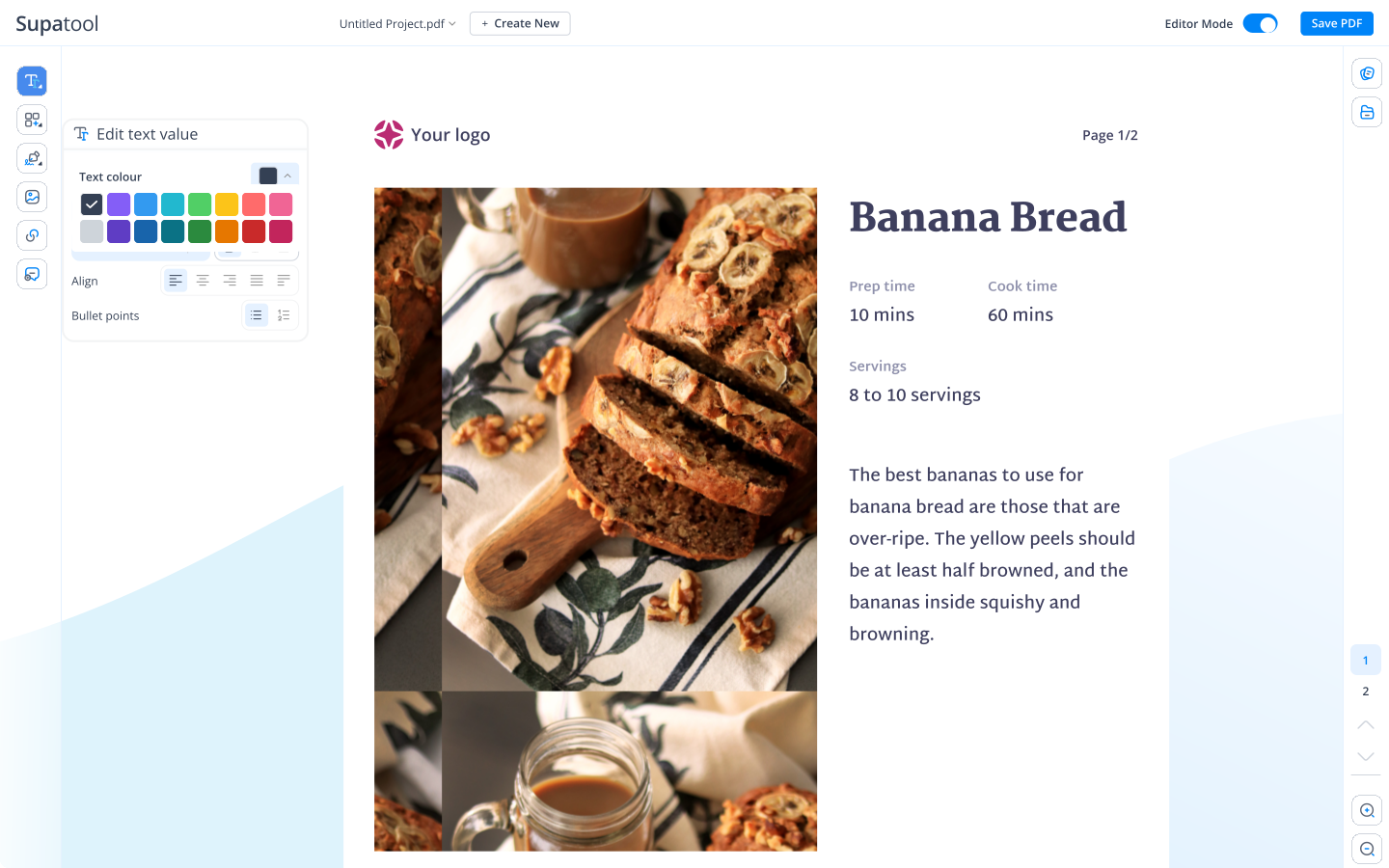
Streamline your approval automation and multi-level approval process. Eliminate bottlenecks with conditional approval routing and keep work moving.
Create robust approval workflows in minutes, not days.
Users fill out a form or trigger a request via API.
Request is routed based on logic (Department, Value, Type).
Approvers review, comment, and e-sign securely.
Request status is updated automatically (Approved/Rejected).
Email/Slack alerts are sent to all stakeholders.
Full audit trail is logged and data is archived.
Everything you need to streamline approvals, reduce delays, and ensure compliance.
Visually design your approval flows. Simply drag stages, triggers, and actions onto the canvas to build complex workflows without writing a single line of code.
Smart routing ensures the right person approves every time. Create rules based on form values—like sending expenses over $5,000 to the CFO and others to a direct manager.
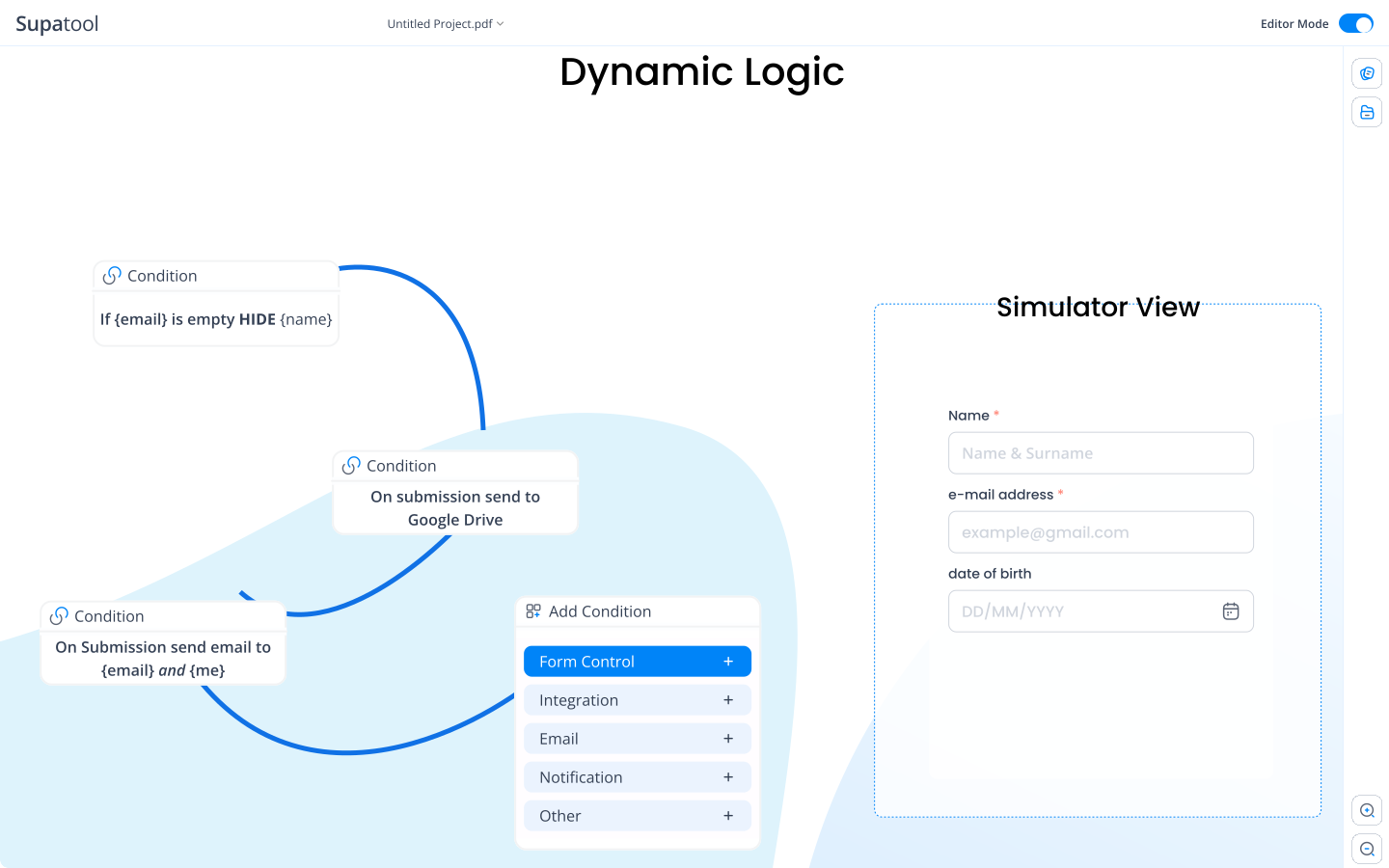
Handle complex hierarchies with ease. Require approvals in a strict sequence (Serial) or allow multiple stakeholders to review simultaneously (Parallel) to speed up the process.
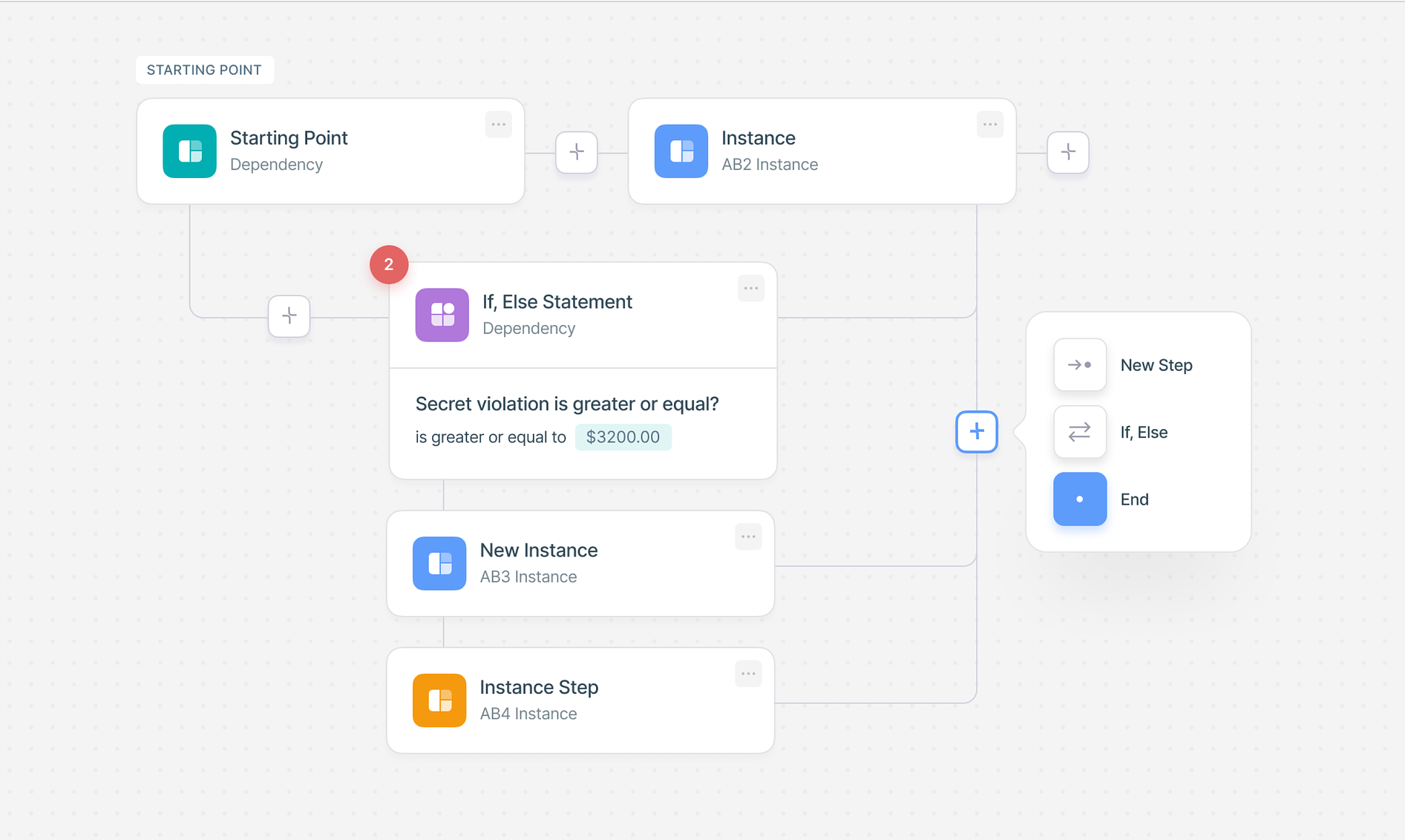
Never let a request get stuck. Set deadlines (SLAs) for approvals. If an approver takes too long, automatically send reminders or escalate the request to their manager.
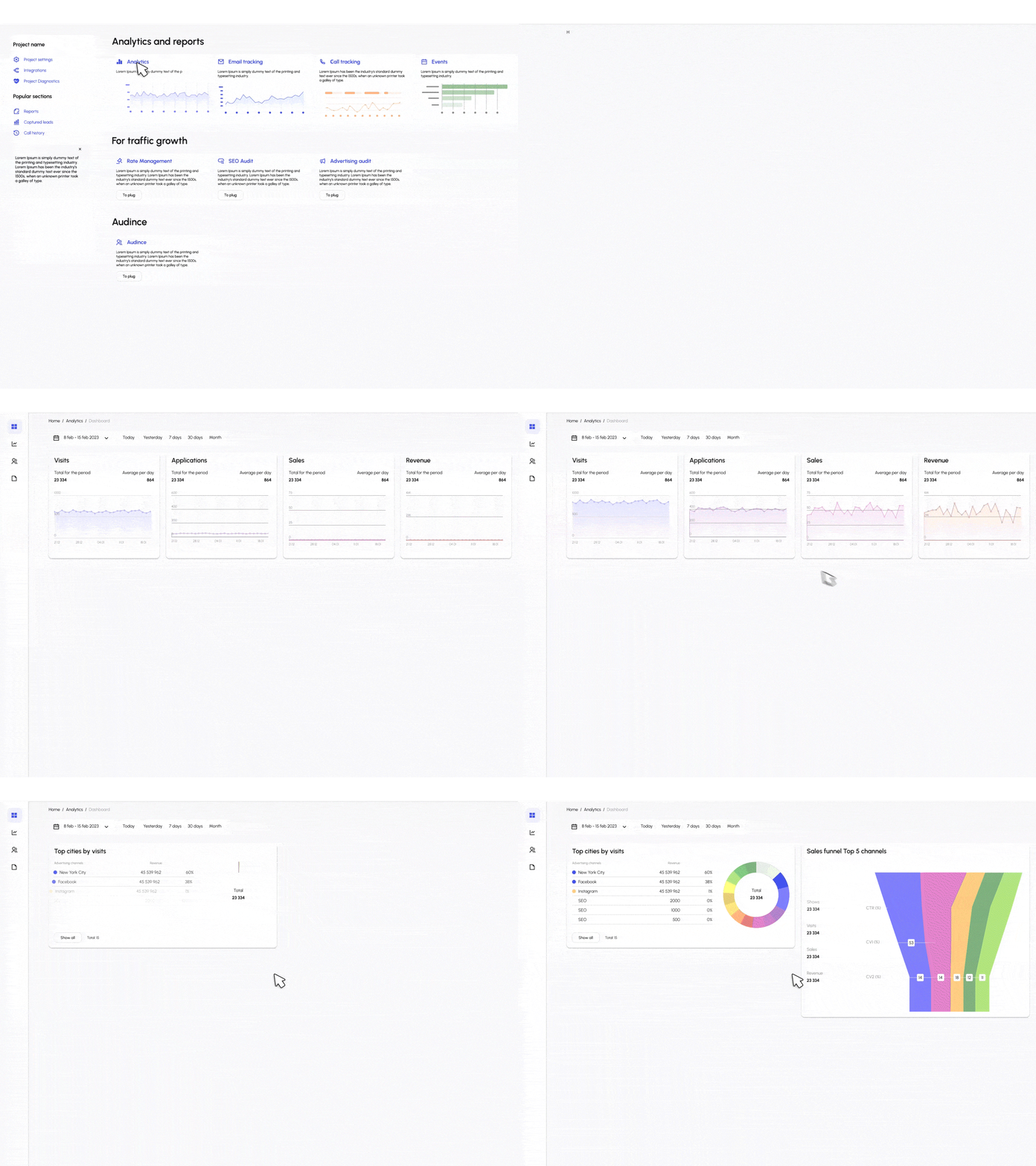
Maintain a complete audit trail of who approved what and when. Use built-in analytics to identify bottlenecks and optimize your approval workflow performance.
Start quickly with pre-built workflows for common business needs.
Automate reimbursement requests with receipt attachments and multi-tiered value checks.
Streamline time-off requests, balance checks, and calendar updates.
Manage procurement from request to PO generation with budget validation.
Collect vendor data, W-9 forms, and compliance approvals in one flow.
Review creative assets, blog posts, and marketing materials before publishing.
Pre-approve travel plans, flight costs, and accommodation budgets.
Connect your approval workflows with the apps your team uses every day.
Scale your approval workflows as you grow.
$ 15 /month/user
Billed monthly
Ideal for freelancers, startups, and smaller teams
We only bill you for employees. Invite guests/clients for free.
$ 299 /month
Billed monthly
Top-of-the-line, all-inclusive fixed pricing. Best fit for fast growing businesses
Your whole organization for one fixed price. Every feature & upgrade.
Custom
Billed monthly
Suitable for Enterprise solutions
Custom pricing for your organization's needs.
Frequently asked questions
The auto approval process is a system where requests meeting specific pre-defined criteria are automatically approved without human intervention. This speeds up workflows by handling routine, low-risk requests instantly, allowing managers to focus on complex items that truly need review.
To automate approval processes in Power Automate, you typically use the 'Start and wait for an approval' action. However, Supatool offers a more user-friendly alternative with a visual drag-and-drop builder that makes setting up complex conditional logic, serial/parallel flows, and custom notifications much easier than managing low-code flows.
Sequential approval, or serial approval, is a workflow where a request must be approved by one person before it moves to the next. For example, an expense report might first go to a direct manager, and only after their approval, it is routed to the finance department for final sign-off.
Yes, Salesforce has approval process automation features. However, for organizations that need approvals spanning multiple systems or for those finding Salesforce too complex/expensive for simple internal workflows, Supatool provides a dedicated approval automation layer that integrates easily with your existing tech stack.
An automatic approval rule is a condition set within your workflow software that defines when a request bypasses manual review. For instance, you might set a rule that 'Expenses under $50 are automatically approved,' instantly changing the status to Approved and notifying the requester.
A common example is a Leave Request workflow: An employee submits a time-off request. The system checks if they have enough balance. If yes, it routes to their manager. If the manager approves, it routes to HR for recording. Once HR approves, the employee is notified, and the calendar is updated.
Pattern approval process refers to recognizing recurring approval scenarios and standardizing them into a repeatable workflow template. By identifying these patterns (e.g., all capital expenditures follow the same 3-step path), you can build efficient automation that handles these consistent request types predictably.
A sequential workflow executes steps one after another in a linear order. In the context of approvals, Step B (e.g., VP Approval) cannot happen until Step A (Manager Approval) is successfully completed. If Step A is rejected, the workflow stops or routes to a rejection path.
The main types of approvals include sequential (one by one), parallel (everyone approves at once), single-approver (only one person needed), unanimous (everyone must approve), and weighted/majority (a certain percentage must approve).
The next automated approver is determined by the routing logic you configure. This can be based on the submitter's department (e.g., route to IT Manager if Dept = IT), the request value (e.g., requests > $1k go to CFO), or a fixed hierarchy defined in your organization chart.
Power Automate generally supports 'Approve/Reject - First to respond', 'Approve/Reject - Everyone must approve', and custom responses. Supatool supports these and more advanced patterns like round-robin assignment, escalating after a timeout, and conditional branching based on form data.
Ready to automate your approvals?