Supatool

Dashboard Builder

Visualize your data in minutes with our no-code dashboard builder. Create real-time KPI dashboards, track performance, and share insights easily.

Sales Overview
Last 30 Days ▼
Share
Total Revenue
$124,500
▲ 12% vs last month
New Customers
342
▲ 5% vs last month
Avg Order Value
$364
▼ 2% vs last month
Revenue Trend
Sales by Region
Trusted by popular companies you know

How to Build a Dashboard

Go from data to insights in 5 steps.

1

Connect Data

Link Sheets, APIs, or DBs.

2

Select Template

Choose a layout or start blank.

3

Add Widgets

Drag charts and KPI cards.

4

Configure

Set filters and auto-refresh.

5

Publish

Share via link or TV mode.

Dashboard Builder Features Overview

Powerful tools to visualize and monitor your business.

Connect Any Data Source

Don't let data silos slow you down. Bring it all together in one place. Connect easily to Google Sheets, Excel, databases, and popular business apps to get a unified view of your performance.

  • Sheets & CSV
  • Databases (SQL)
  • REST APIs
Data Connectivity

Real-Time & Interactive

Static reports are dead. Build dashboards that live and breathe. Set auto-refresh intervals to keep data current. Let users explore with dynamic filters, date ranges, and drill-downs.

  • Auto-Refresh Intervals
  • Global Filters
  • Interactive Charts
Interactive Features

Alerts & TV Mode

Keep your team aligned. Display dashboards on office TVs with our full-screen TV mode. Set threshold alerts to get notified instantly via Slack or Email when metrics hit critical levels.

  • TV / Full-screen Mode
  • Email & Slack Alerts
  • Scheduled Reports
🔔
Alert Triggered
Server Load > 90%
View Dashboard

Share & Embed Anywhere

Democratize your data. Share dashboards securely with password-protected links or embedding them directly into your own website, intranet, or client portal.

  • Public & Private Links
  • Iframe Embedding
  • Custom Domain
Sharing Options

Dashboard Templates

Start fast with professionally designed layouts.

🛒

eCommerce KPIs

Track sales, orders, and inventory in real-time.

📈

Marketing Performance

Monitor ad spend, traffic, and conversion rates.

🤝

Sales Pipeline

Visualize deals, stages, and team targets.

🎧

Customer Support

Track ticket volume, response times, and CSAT.

💼

Executive Overview

High-level summary of all key business metrics.

💰

Finance & Cash Flow

Monitor revenue, expenses, and burn rate.

Integrate with Your Data Stack

Connect directly to the tools you use every day.

Google Sheets Excel Salesforce HubSpot Stripe Google Analytics Facebook Ads

Simple Pricing

Start visualizing your data for free.

Starter

$ 15 /month/user

Billed monthly

Ideal for freelancers, startups, and smaller teams

We only bill you for employees. Invite guests/clients for free.

  • Pay-per-user pricing
  • Unlimited projects
  • 500 GB storage space
  • 24/7/365 customer support
  • Purchase optional upgrades
  • Month-to-month billing
Popular

Business

$ 299 /month

Billed monthly

Top-of-the-line, all-inclusive fixed pricing. Best fit for fast growing businesses

Your whole organization for one fixed price. Every feature & upgrade.

  • Fixed price no per-user charges
  • Unlimited users
  • Unlimited projects
  • 5 terabytes storage space
  • Priority 24/7/365 customer support
  • Extended 60-day free trial

Enterprise

Custom

Billed monthly

Suitable for Enterprise solutions

Custom pricing for your organization's needs.

  • All Business Features
  • Unlimited custom domains
  • Unlimited storage
  • 99.99% Uptime SLA
  • SCIM Integration
  • Dedicated Account Manager

FAQ

Frequently asked questions

What is a dashboard builder and how is it different from a report?

A dashboard builder allows you to create live, interactive displays of your key data metrics. While a report is a static snapshot of past performance (like a PDF sent weekly), a dashboard is dynamic. It updates in real-time, allows users to filter data on the fly, and provides an at-a-glance view of current status, helping you make immediate decisions rather than just analyzing history.

Which data sources can I connect (Sheets, CSV, databases, APIs)?

Supatool connects to a wide variety of data sources. The most popular are Google Sheets and CSV uploads for simple data. For more advanced users, we integrate with databases like PostgreSQL and MySQL, marketing platforms like Facebook Ads and Google Analytics, CRMs like Salesforce, and general REST APIs, allowing you to centralize data from your entire stack.

Does the dashboard update in real time and can I control refresh rates?

Yes, our dashboards support real-time updates. You can configure the refresh rate for each widget or the entire dashboard. For critical operational displays (like a support team TV dashboard), you can set it to refresh every minute. For executive summaries, a daily or hourly refresh might be sufficient.

How do filters, segments, and date ranges work?

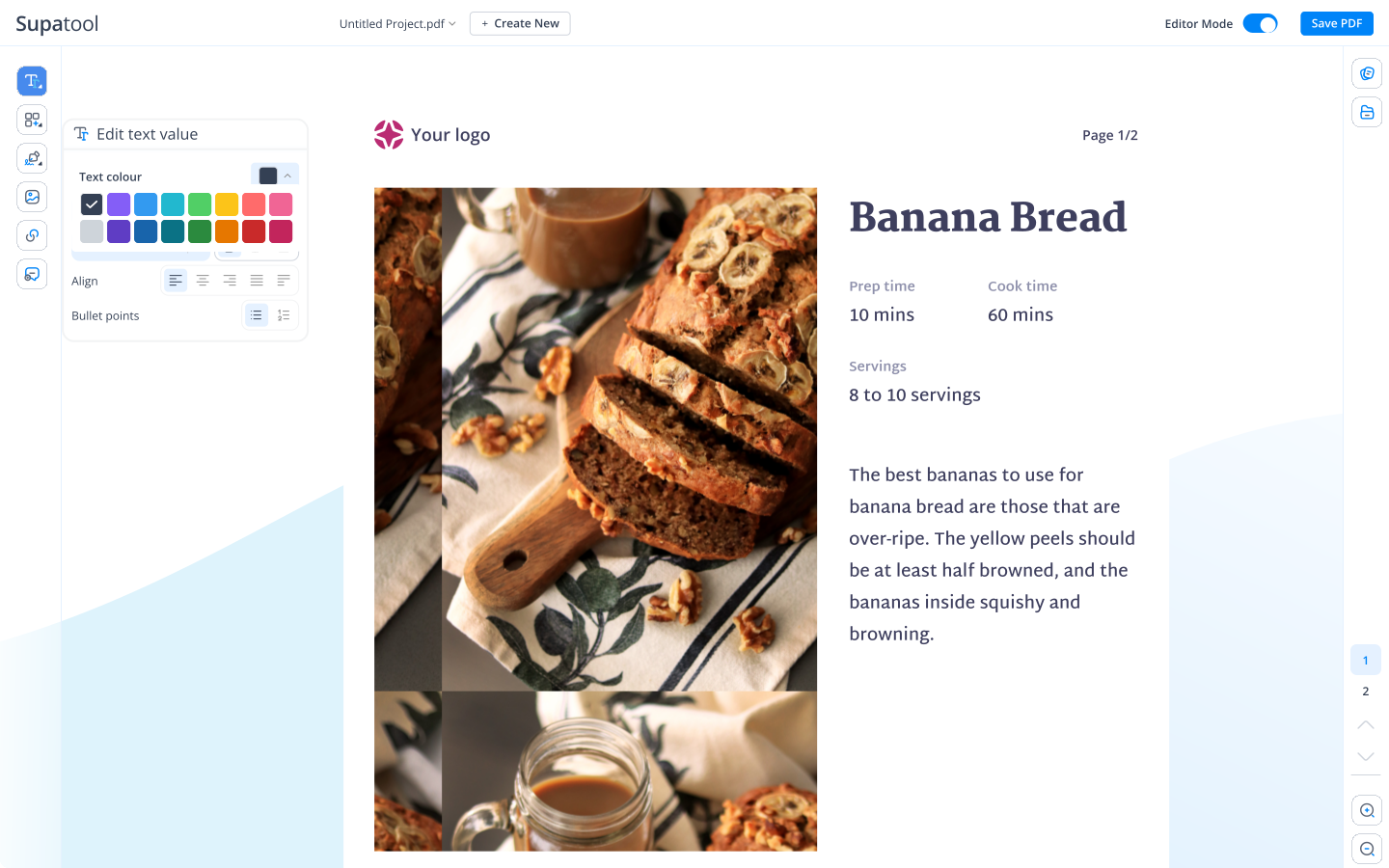
Dashboards are interactive. You can add global filters that affect all charts on the page—for example, a date picker to see 'Last 30 Days' or a dropdown to filter by 'Region: North America'. Viewers can toggle these controls themselves to explore the data and find specific insights without needing to edit the dashboard structure.

Can I share dashboards via link, embed, or TV mode and set permissions?

Sharing is flexible. You can generate a public link for open sharing, or a password-protected link for restricted access. We also offer a dedicated 'TV Mode' that optimizes the display for large screens in offices. Additionally, you can embed dashboards directly into your own internal portals or websites using an iframe.

How do alerts and threshold notifications work?

You don't have to watch the dashboard 24/7. You can set up rules, such as 'If Sales < $1000', and Supatool will automatically send an alert via email or Slack. This ensures you are immediately notified of critical anomalies or when specific KPIs hit their targets.

Can I use templates and customize widgets without coding?

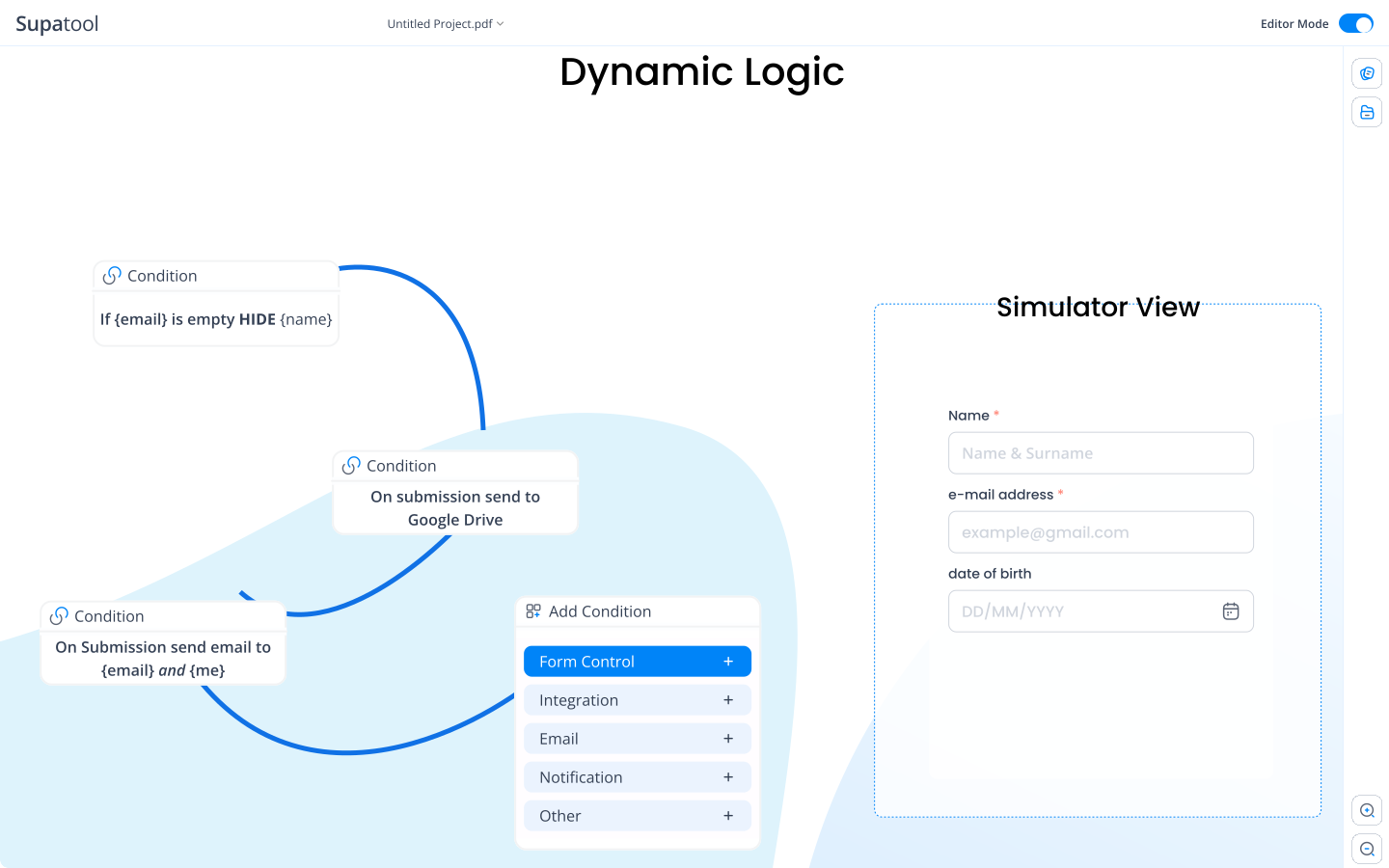
Absolutely. Supatool is a no-code platform. We provide a library of pre-built templates for common use cases like Sales, Marketing, and Support. You can simply drag and drop widgets, resize them, and change chart types (bar, line, pie, number) using a visual editor. No SQL or programming knowledge is required.

How secure is my data (SSO, permissions, audit logs)?

Security is a priority. On our Business and Enterprise plans, we offer Single Sign-On (SSO) integration (SAML, Google, Okta) to manage access securely. You can define granular permissions for who can view vs. edit dashboards. We also maintain audit logs so admins can track who accessed data and when.

How do I publish to a custom domain or brand the dashboard?

You can make the dashboard look like your own product. Upload your company logo, set your brand colors for charts and backgrounds, and host the dashboard on your own custom domain (e.g., dashboards.yourcompany.com). This provides a seamless, professional experience for your clients or stakeholders.

Is there a free plan and what are the limits?

Yes, we offer a free plan perfect for individuals or small teams. It allows you to create a limited number of dashboards and connect to basic data sources like Google Sheets. It's a great way to explore the builder and visualize your personal or project data before scaling up to paid features like faster refresh rates or advanced integrations.

Build Your First Dashboard Today

Ready to see the big picture?