Multi-Step Form Builder
Break long forms into bite-sized steps. Boost conversion rates with our easy-to-use multi-step form builder featuring progress bars and conditional logic.
Personal Info Details Review
Step 1 of 3
Break long forms into bite-sized steps. Boost conversion rates with our easy-to-use multi-step form builder featuring progress bars and conditional logic.
Simplify complex data collection in 5 steps.
Start with a multi-page layout.
Group questions logically.
Show/hide steps based on answers.
Set progress bar & save options.
Embed and track conversions.
Tools designed to reduce abandonment and increase submissions.
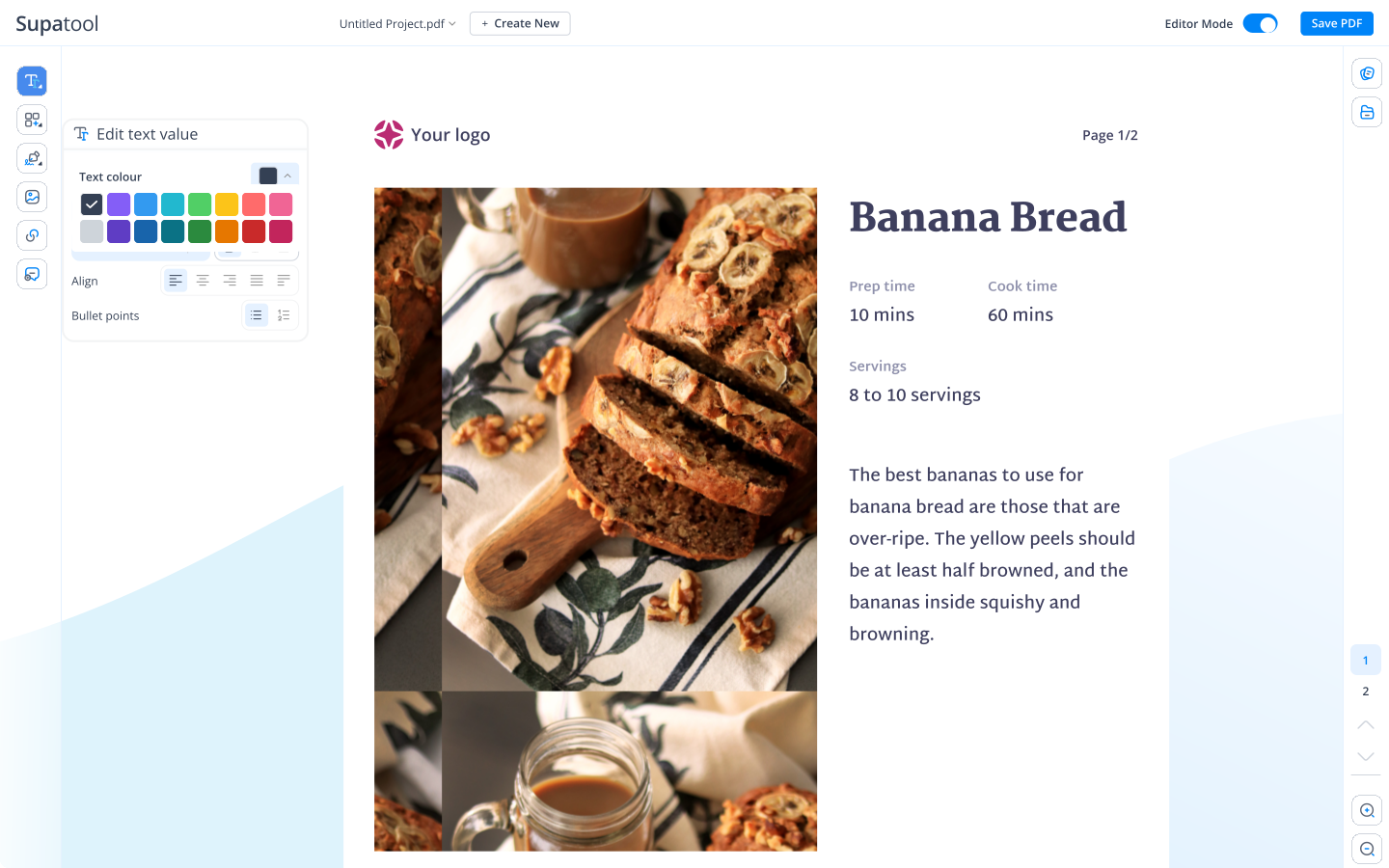
Keep users motivated. Show them exactly where they are in the process with customizable progress bars or step indicators. Reducing uncertainty increases the likelihood of completion.
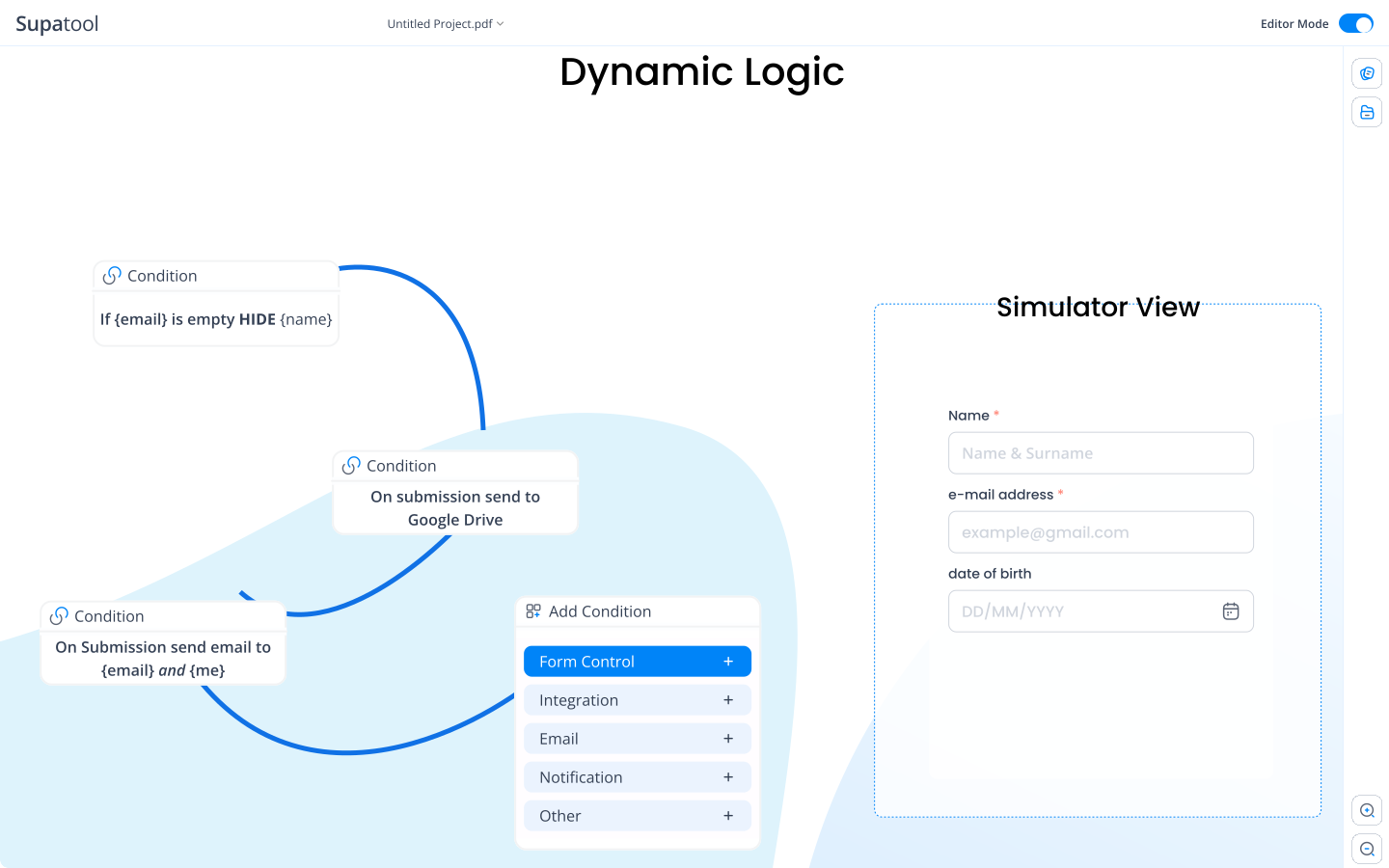
Create personalized paths. If a user selects "Business" in step 1, skip the "Personal Details" step and go straight to "Company Info". Only ask relevant questions.
Don't lose long submissions. Allow users to save their progress and return later via an email link. Perfect for long applications, quotes, or onboarding forms.
We've sent a unique link to john@example.com. Click it anytime to resume where you left off.
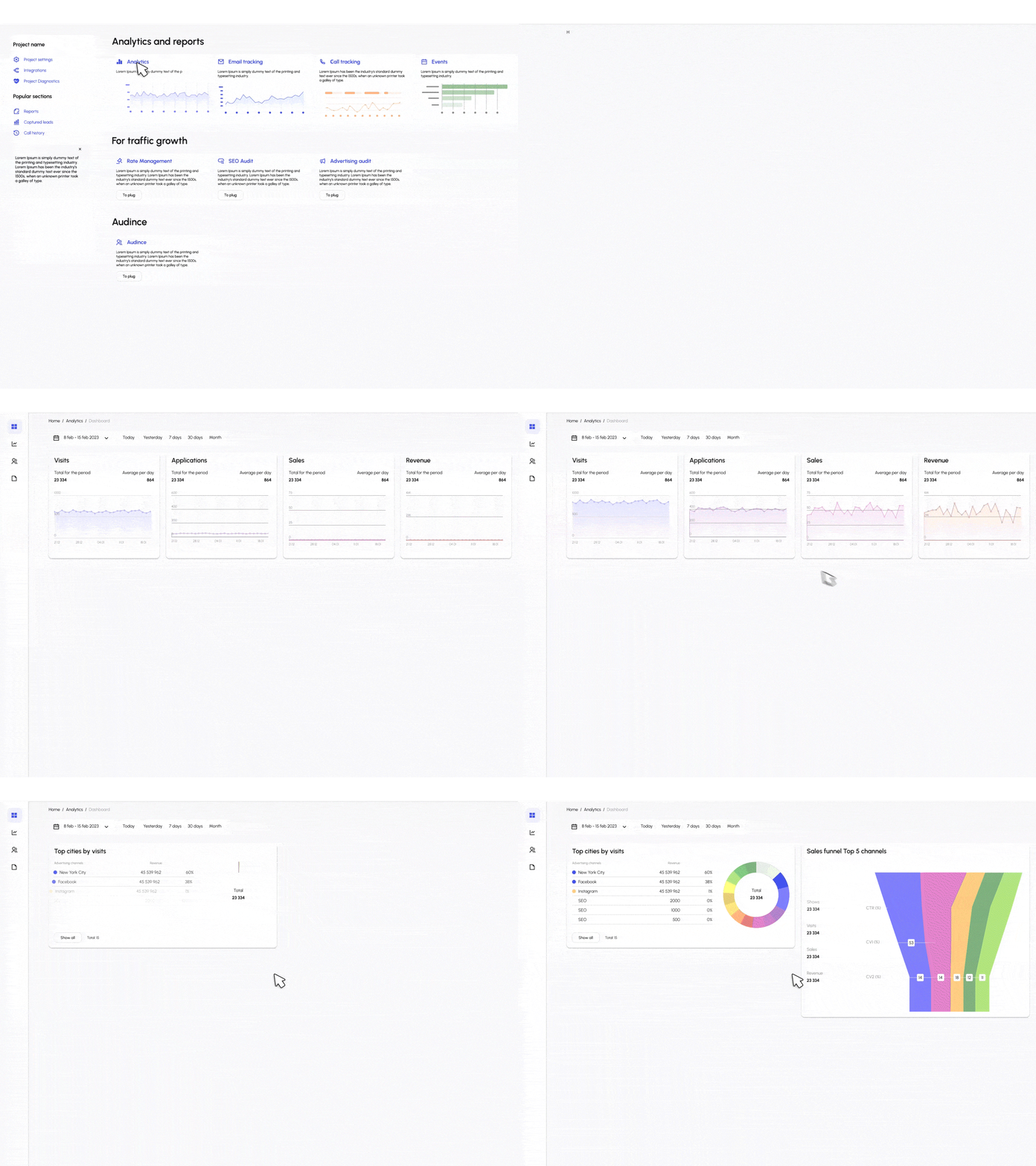
See exactly where users get stuck. Our funnel analytics show you the conversion rate for each step, so you can identify bottlenecks and optimize your form flow.
Start with a flow that works.
Filter leads with a few qualifying questions before asking for contact info.
Sections for personal info, experience, education, and file upload.
Service selection -> Date/Time picker -> Patient/Client details.
Gather all necessary project info and assets in an organized flow.
Interactive estimator that calculates price based on user inputs.
Group feedback questions by category to avoid survey fatigue.
Sync partial and completed submissions to your stack.
Create better forms for free.
$ 15 /month/user
Billed monthly
Ideal for freelancers, startups, and smaller teams
We only bill you for employees. Invite guests/clients for free.
$ 299 /month
Billed monthly
Top-of-the-line, all-inclusive fixed pricing. Best fit for fast growing businesses
Your whole organization for one fixed price. Every feature & upgrade.
Custom
Billed monthly
Suitable for Enterprise solutions
Custom pricing for your organization's needs.
Frequently asked questions
Multi-step forms (or multi-page forms) are long forms broken down into smaller, sequential steps or pages. Instead of overwhelming users with 50 questions at once, you show one or a few questions per screen. This approach significantly improves user experience and conversion rates by reducing cognitive load and making the process feel faster and easier.
A multi-step form summary is a review page often shown at the very end of the form, just before submission. It displays all the answers the user has provided across the previous steps, allowing them to verify the accuracy of their information and make any necessary edits without having to navigate back through every single page.
A common example of a multi-step task in a digital context is an e-commerce checkout process. It typically involves: Step 1: Cart Review, Step 2: Shipping Information, Step 3: Billing & Payment, and Step 4: Order Confirmation. Each step requires specific input and validation before the user can proceed to the next.
The three basic types of forms generally categorized by purpose are: 1. **Transactional Forms** (e.g., checkout, registration, booking), 2. **Data Collection Forms** (e.g., surveys, feedback, lead generation), and 3. **Process/Workflow Forms** (e.g., job applications, approval requests, onboarding).
Three common examples of forms you encounter daily are: 1. A **Login Form** (asking for username and password), 2. A **Contact Us Form** (asking for name, email, and message), and 3. An **Event Registration Form** (asking for attendee details, dietary preferences, and payment).
An example of a multi-step instruction is a recipe: 'First, preheat the oven to 350 degrees. Second, mix the dry ingredients in a bowl. Third, add the wet ingredients and stir until smooth. Finally, bake for 30 minutes.' Each instruction depends on the completion of the previous one to achieve the final result.
In math, a multi-step word problem might be: 'Sarah bought 5 apples for $1 each and 2 bananas for $0.50 each. She paid with a $10 bill. How much change did she receive?' To solve this, you must first calculate the total cost of apples, then the total cost of bananas, sum them up, and finally subtract that total from $10.
To teach a child to follow multi-step directions, start simple with two related commands (e.g., 'Pick up your toy and put it in the box'). Use visual aids or checklists. Break complex tasks down into smaller parts. Practice active listening by asking them to repeat the instructions back to you. Reward successful completion to reinforce the behavior.
Multisensory teaching involves engaging more than one sense at a time. For example, to teach the letter 'A', a teacher might show the letter (visual), say the sound 'aaaa' (auditory), and have the student trace the letter in sand or with their finger on sandpaper (tactile/kinesthetic). This helps reinforce learning through multiple neural pathways.
Ready to boost your conversions?